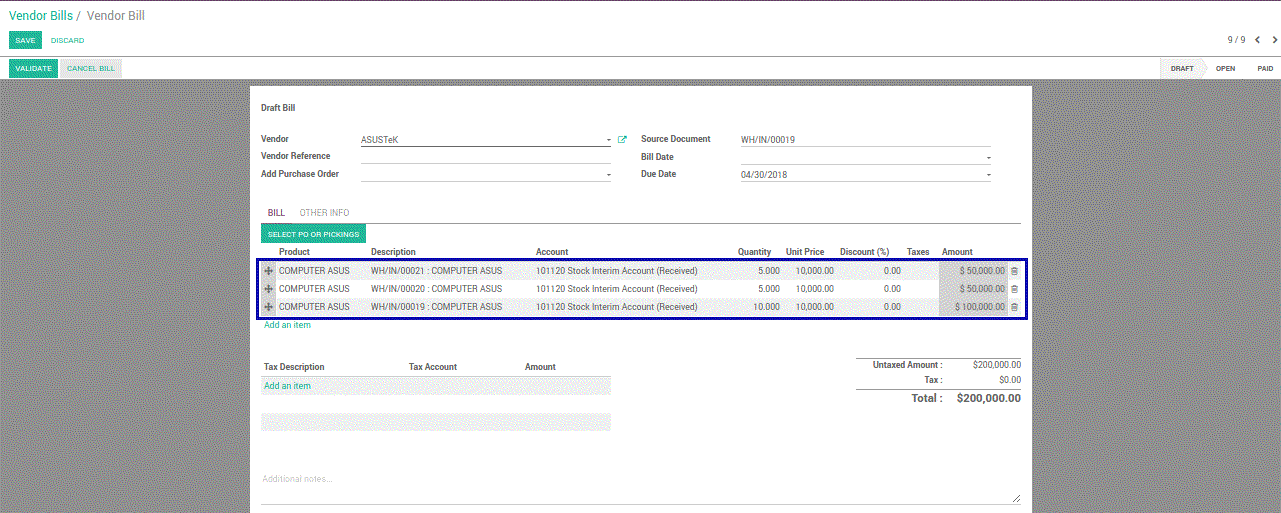



This module gives the possibility to users to get multiple PO and picking on vendor bills easier
Our Features as Solution
Select the picking from wizard on vendor bills
How To Use This Module
1
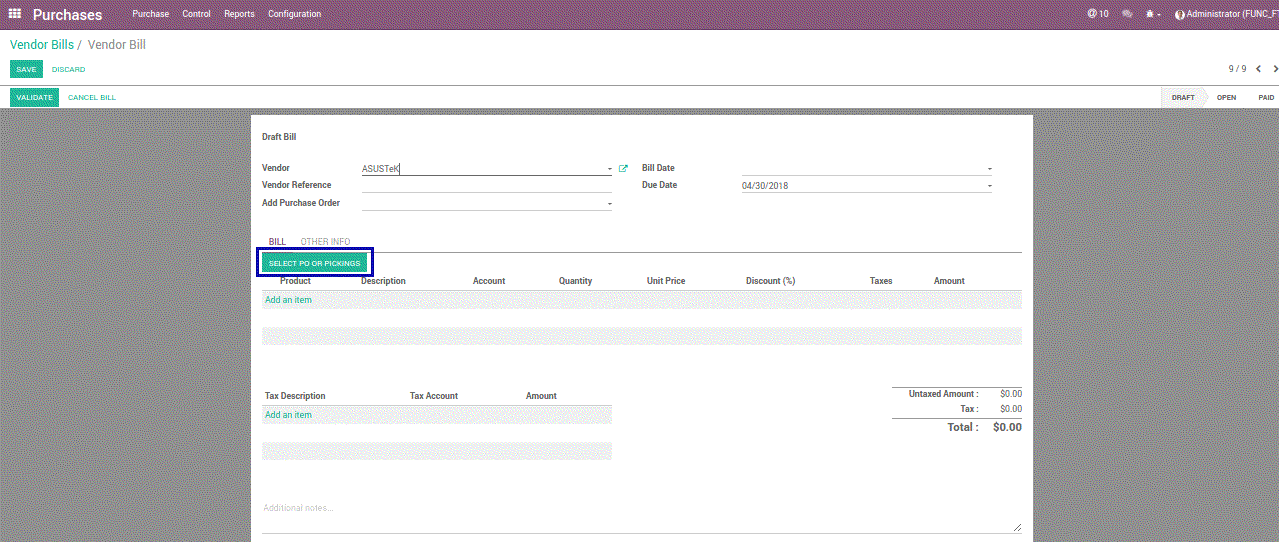
Go to Purchases app, Vendor Bills, create a vendor bill, select Vendor, then select PO or pickings
Go to Purchases app, Vendor Bills, create a vendor bill, select Vendor, then select PO or pickings
2
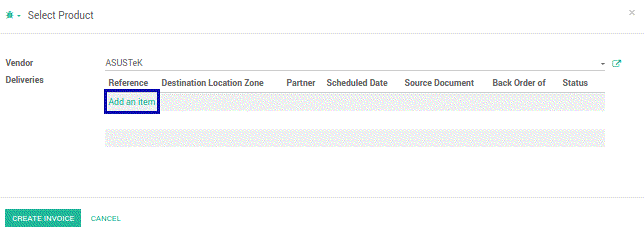
Select some pickings that you want to create vendor bills
Select some pickings that you want to create vendor bills
3
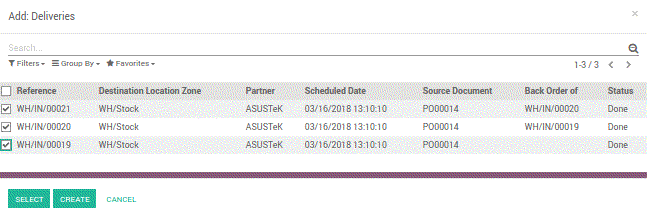
Choose picking on Deliveries line, then click Select
Choose picking on Deliveries line, then click Select
4
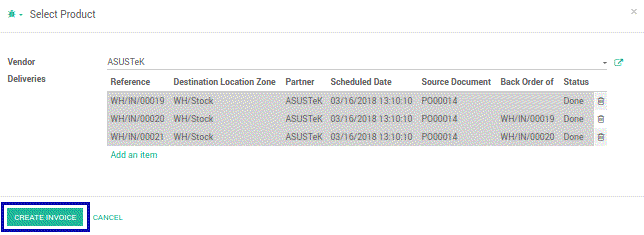
After that click Create Invoice
After that click Create Invoice
5
Pickings are displayed automatically on vendor bills form
Pickings are displayed automatically on vendor bills form